Funnels: See Where Users Drop Off
Step-by-step conversion analysis your AI agent can query. Find the bottleneck, fix it, measure again.
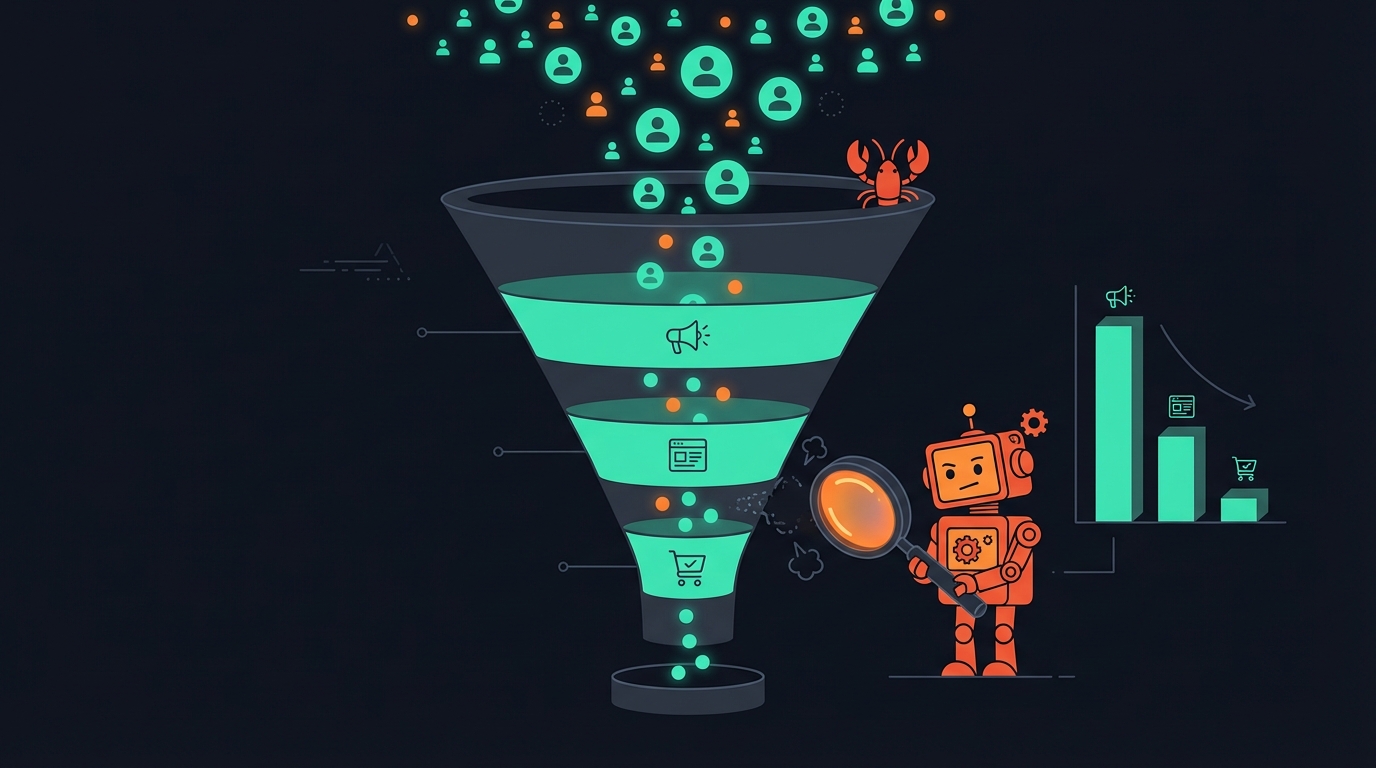
754 people visited your landing page last month. 28 clicked a CTA. Zero signed up.
Where did you lose them?
Traditional analytics can tell you — if you log in, build a funnel report, configure the steps, and squint at a dashboard. Or you ask your agent:
“Show me the funnel from page view to signup”
And it tells you exactly where the drop-off happens.
What’s New
Agent Analytics now has built-in funnel analysis. Define the steps your users should complete, and instantly see:
- Conversion rate per step — what percentage make it to the next step
- Drop-off rate — where you’re losing people
- User counts — real numbers at each stage
- Average time between steps — are users progressing quickly or stalling?
Your agent can query funnels as part of its daily routine — no dashboard needed.
How It Works
A funnel is just a sequence of events you expect users to complete. You define the steps, Agent Analytics does the rest.
For a SaaS landing page
page_view → cta_click → signupFor an e-commerce flow
page_view → add_to_cart → checkout → purchaseFor a content site
page_view → scroll_50 → cta_clickAsk your agent to check any funnel — it queries the data and shows you a clear breakdown of where users progress and where they fall off.
What Your Agent Sees
When your agent checks a funnel, it gets back something like this:
Funnel: my-site (last 30 days)

  1. page_view   ██████████████████████████████  754 users  → 1.7h to next
  2. cta_click   █                               28 users   4% conversion
  3. signup      ▏                                0 users   0% conversion

  Overall conversion: 0%
Immediately clear: step 2 → step 3 is the bottleneck. People click the CTA but don’t complete signup. That’s where to focus next.
Why Funnels Matter for AI Agents
Your agent can edit pages, run A/B tests, and deploy changes. But without funnels, it’s guessing where to focus.
Funnels close the loop:
- Agent checks funnel → sees 96% drop-off between CTA click and signup
- Agent creates hypothesis → “The signup form is too long”
- Agent runs A/B test → tests a simplified signup flow
- Agent checks funnel again → conversion improved from 4% to 8%
- Repeat on the next bottleneck
Without funnel data, the agent tests random things. With it, the agent knows exactly which step is broken and focuses there.
Funnels + Experiments
This is where it gets powerful. Funnels and A/B experiments work together naturally:
- Check your funnel — spot the biggest drop-off
- Run an experiment — test a fix for that specific step
- Check the funnel again — did the bottleneck improve?
- Move to the next step — optimize the next biggest drop-off
This is the agent growth loop: Measure → Hypothesize → Test → Measure again. Your agent can run this cycle continuously — checking funnels, creating experiments, and iterating — all without you opening a dashboard.
Segment Your Funnels
You can filter funnel steps by properties to dig deeper:
- By page: funnel only for users who entered via
/pricing - By UTM source: how do Google Ads visitors convert vs organic?
- By device: are mobile users dropping off at a different step?
Your agent can compare funnels across different segments to find which paths convert best and where different audiences get stuck.
Real Data
Here’s a real funnel from our own landing page:
agentanalytics.sh — last 30 days

  page_view   754 users
      ↓  4% conversion  ·  avg 1.7h
  cta_click    28 users

  Overall: 4%
The 1.7-hour average time to CTA click tells us people aren’t clicking immediately — they’re reading, comparing, maybe coming back later. That’s useful signal for how to structure the page and where to place CTAs.
Get Started
Funnels work with any events you’re already tracking. No extra setup — just tell your agent what steps to analyze.
- Sign up at agentanalytics.sh if you haven’t already
- Install the skill for your AI agent from ClawHub
- Read the docs at docs.agentanalytics.sh
Previously: A/B Testing Your AI Agent Can Actually Use · Set Up Agent Analytics with OpenClaw